
Google Business Profile: A Simple Way To Get More Local Customers
Friday, November 21, 2025
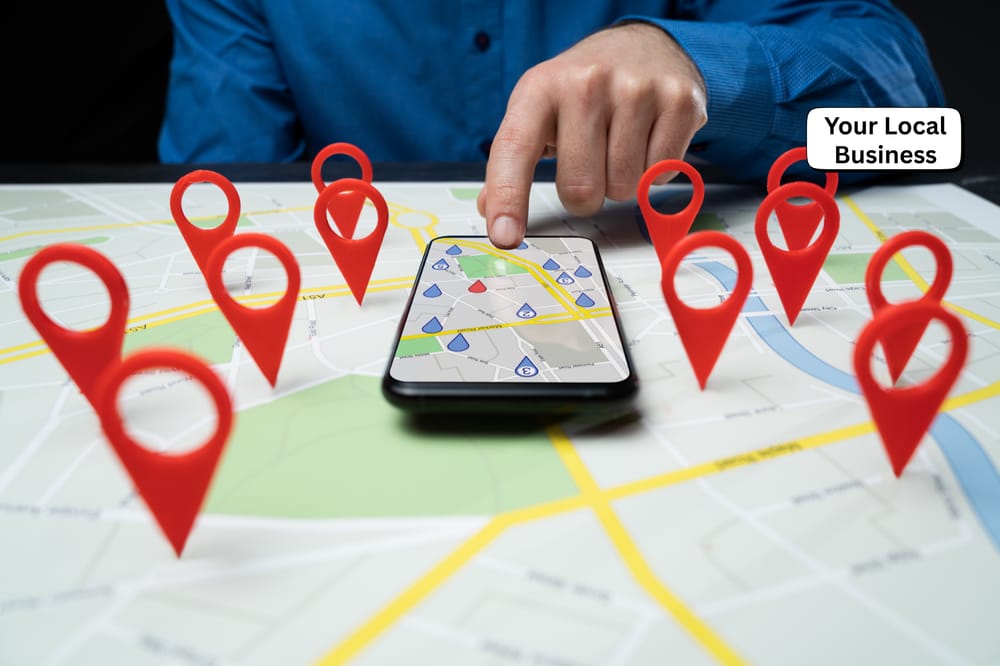
f you run a small business, online marketing can feel like a lot to bring in new customers. Google Ads, social media, websites, keywords, it all stacks up fast.
The good news is that Google Business Profile (GBP) is a free Business Profile, quick to set up, and does a lot of heavy lifting for you. It helps you show up in Google Search and Maps when local people are ready to buy.
In 2025, Google has packed GBP with new AI features and messaging tools, so it is even easier to turn searches into calls, clicks, and visits.
How Google Business Profile Helps Small Businesses Get Found
Google Business Profile is your public business listing on Google. When someone searches for what you do, your profile can show your business information, such as your name, reviews, photos, hours, and contact info in one clean view.
For a local business, this means more real results: more phone calls, more website visits, and more people walking through the door. A strong Business Profile can help you show up in the local results above many websites, even some bigger brands.
If you want a deeper breakdown of how optimization works, you can look at this Google Business Profile optimization guide for 2025. For now, the main idea is simple, a complete Business Profile gives Google more reasons to show you to nearby buyers.
Show up in local Google Search and Google Maps
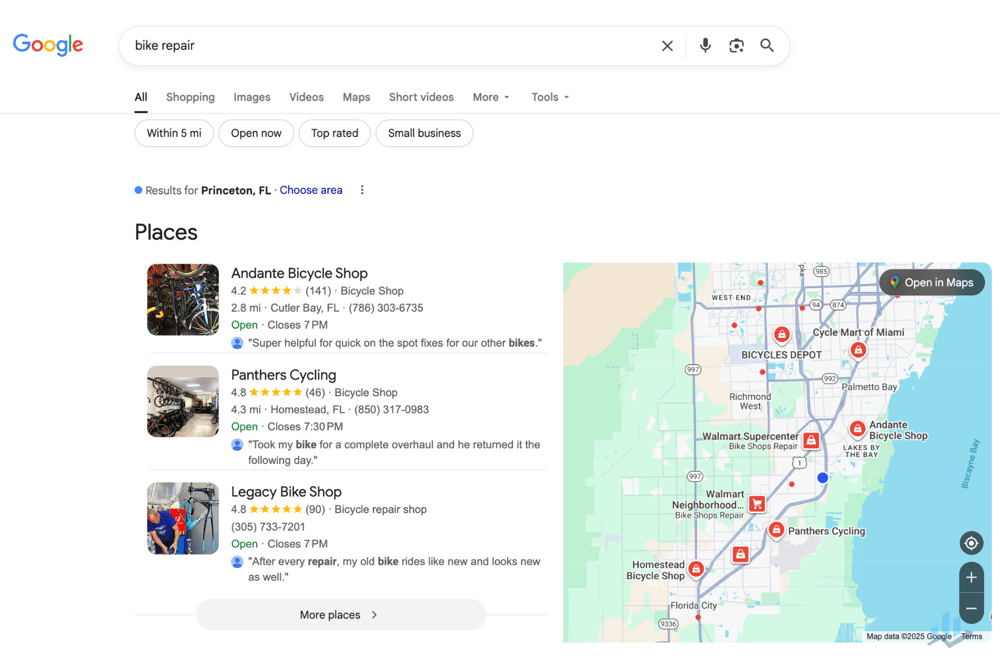
Picture someone searching “plumber near me” at 8 pm on a Tuesday. Or “coffee shop open now” on a Sunday morning. The results they see at the top are often local business profiles, not regular websites.
When your Google Business Profile is complete and verified, you have a real chance to appear in the Local 3 Pack on Search and on Google Maps listing. This is the box with a small map and three businesses right under it.
If your name, category, business location, and contact details are clear, Google understands what you do and where you are. That clarity helps you show up in the right searches, at the right time.
Build trust fast with reviews, photos, and clear details
Most people check a business online before they visit. Your profile is like your online storefront, many customers see it before they see your door.
Star ratings and reviews show social proof. Good photos show that you are real. Clear hours and contact details tell people it is safe to choose you. When all of that looks solid, people feel more relaxed about calling, booking, or visiting.
Think of your profile as a friendly first impression. You want it clean, honest, and up to date.
Support your local SEO so buyers find you first
Local SEO is about showing up when people nearby search for what you offer. Google uses your Business Profile data, plus your website and reviews, to decide which local companies to show first.
If your profile is complete, active, and accurate, you can often outrank bigger brands in your area for local searches. That means more customers find you before they ever see your competitors.
Step-by-Step: Set Up Your Google Business Profile the Right Way
You do not need to be “techy” to set up your Business Profile. You just need to be careful with the details.
If you want a longer walk-through, guides like this complete Google Business Profile guide for 2025 are helpful. Below is a simple version you can follow today.
Create and verify your Google Business Profile
Start by logging into your Google Account, then go to Google Maps or search your business name in Google. If you do not see a profile to claim, go to the Business Profile site and click to add your business or claim your business.
To establish ownership, enter your real business name, no extra keywords. Choose the main category that best fits what you do. Add your address if customers visit you, or set a service area if you go to them. Then add your phone number and website.
It is crucial to verify your business; Google will ask you to verify your business with a verification code, mail verification, phone, email, or even a live video call. Your Business Profile will not fully show to customers until this step is done.
Fill in the must-have details customers look for
Once verified, finish the core details. Add:
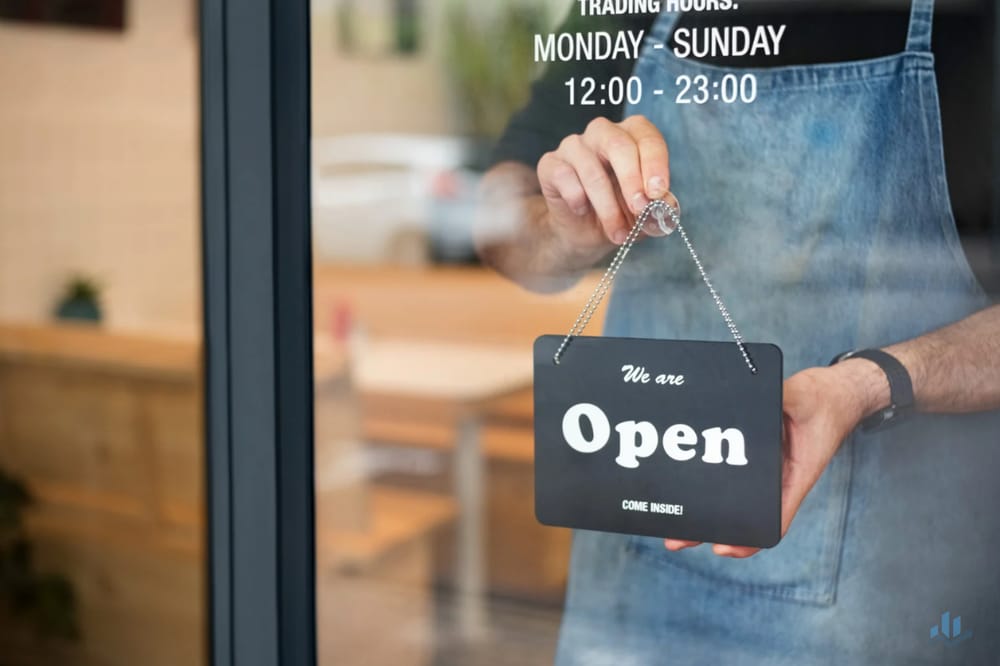
- Regular operating hours and special business hours for holidays
- A short description of what you do and who you serve
- Your main products and services
- Clear photos of your location, work, and team
Google now keeps Business Profile descriptions around 500 characters, so keep it clear and honest, not hype. Use simple words that sound like you talking to a customer face to face.
Simple Optimization Tips to Make Your Google Business Profile Stand Out
After setup, a few small tweaks can help you manage your profile and get more from your Business Profile. You do not need to do everything at once. You can handle most of this in a day or two.
If you want more ideas later, there are in depth guides like this Google Business Profile optimization article that go further into strategy.
Choose the best category and attributes for local search
Your primary category should be as specific as possible. “Vegan restaurant” works better than “restaurant” if that is your focus. Add a few secondary categories that still fit what you do.
Then turn on useful attributes. Things like “wheelchair accessible,” “delivery,” “outdoor seating,” or “women owned” can help your Business Profile appear for more detailed searches and help people decide faster.
Use photos, posts, and updates to keep your Business Profile fresh
Add bright, clear photos of your storefront, inside space, staff, and work. Skip blurry or dark shots. New photos signal that your business is active.
Use Google Posts to share short updates about offers, events, or simple news. A quick weekly update keeps both people and Google’s systems aware that your business is alive, paying attention, and helps you manage your profile. Check Insights to track the performance of these updates and see their value.
Ask for reviews and reply to every customer
When a customer is happy, ask them politely for customer reviews. You can send them the review link by text or email after you finish a job or sale.
Fresh reviews help your ranking and build trust. Reply to every review in a calm, kind tone, even the bad reviews. Future customers read how you respond, not only the star rating.
Try new 2025 features like AI answers and messaging
In 2025, Google uses AI to pull details from your profile, website, and reviews and turn them into quick answers for searchers. If your info is clear, AI overviews can highlight your strengths, like “family friendly,” “24 hour service,” or “best for lunch.”
You can also turn on messaging, and in some regions add WhatsApp as a contact option. Set up common questions and simple replies so people get fast answers. Quick, helpful replies can win business before they call a competitor.
Conclusion
A strong Google Business Profile is one of the highest impact tasks you can tackle as a small business owner. It is a free Business Profile, does not take long to set up, and can bring real results like securing new customers through calls, website visits, and walk-in traffic.
Take 20 to 30 minutes today, claim or log in to your profile, fix your hours and contact info, and add one new photo or post this week. Small, steady updates add up; manage your profile consistently, and over time your Business Profile can become one of your best local sales tools.
Thanks for reading,
Manuel Gonzalez, P.A.
SelfBizGrowth
SelfBizGrowth ©️ Copyright 2026. All Rights Reserved.

Hi, I Am Manuel Gonzalez, P.A.
SelfBizGrowth
Self & Business Growth is a newly formed movement that is aimed at helping young entrepreneurs, self-employed, start-ups, real estate agents, content creators & many more to escape from the nine-to-five rat race.
Ready To Build Your First Email List?
Your First Email List Checklist
Discover how to build your first email list from scratch. Download the FREE List Building checklist today!